
Make a character
You can make your own character in a few minutes. A name and a greeting are enough to start. The rest helps the character sound like itself.
What a character is
A character is the one you talk to. A persona is different: a persona is who you are in the chat. Your characters are private to you. If you already have a card, see Import a character card.
Start with a name and a greeting
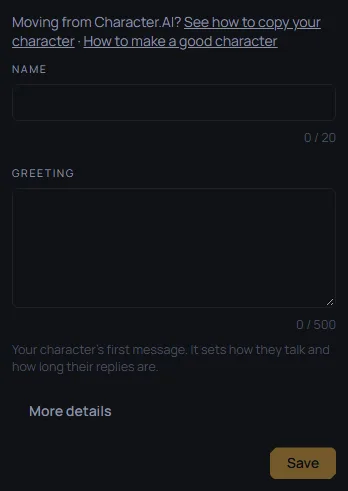
Open Characters, then press Create a character. Two fields are required:
- Name: 3 to 20 characters.
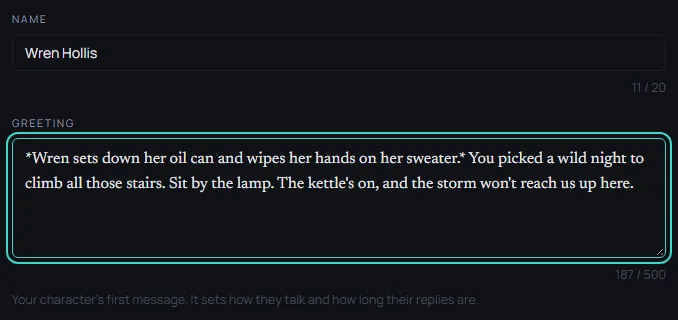
- Greeting: up to 4,000 characters. It is the character's first message. It sets how the character talks and how long its replies are.

The example in this guide is Wren Hollis, who keeps a lighthouse. Her Name is Wren Hollis. Her Greeting is:
Wren sets down her oil can and wipes her hands on her sweater. You picked a wild night to climb all those stairs. Sit by the lamp. The kettle's on, and the storm won't reach us up here.
More details
Press More details to open the other fields. You can leave any of them empty.
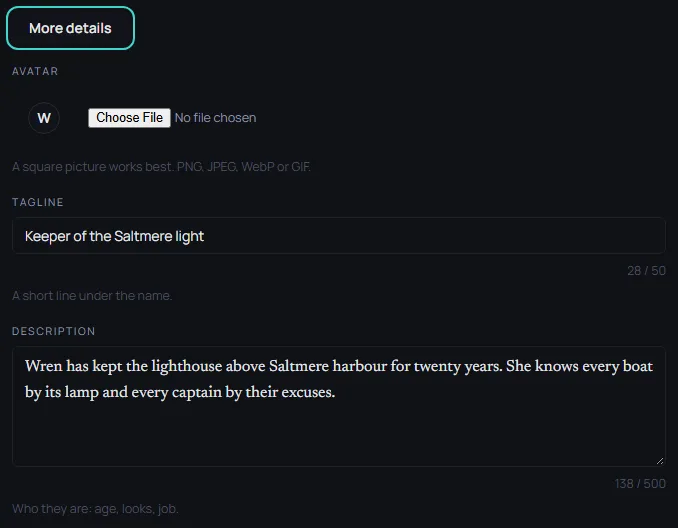
- Tagline: up to 50 characters. A short line under the name. Wren's is
Keeper of the Saltmere light. - Description: up to 500 characters. Who the character is: age, looks, job. Wren's is
Wren has kept the lighthouse above Saltmere harbour for twenty years. She knows every boat by its lamp and every captain by their excuses. - Definition: up to 24,000 characters. How the character thinks and talks. Keep the most important part at the top. Example lines that start with
{{char}}:and{{user}}:show how the character talks. Wren's Definition is:
{{char}} is warm, dry-humoured and hard to rattle. She talks in short sentences and offers tea before advice.
{{char}}: Boots off the rug. Then tell me what the sea did to you.
{{user}}: How did you know I came by boat?
{{char}}: Salt on your collar. Sit.
- Avatar: a picture for the character. A square picture works best. PNG, JPEG, WebP or GIF.
- Scenario: up to 1,200 characters. Where the chat starts. Leave it empty and the greeting sets the scene. Wren's is empty.
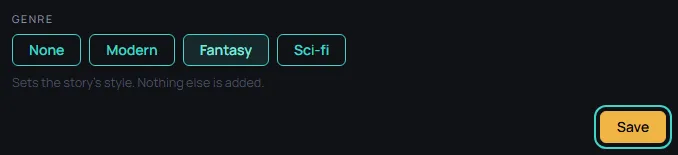
- Genre: None, Modern, Fantasy or Sci-fi. The chip sets the story's style. Nothing else is added. Wren's is Fantasy.
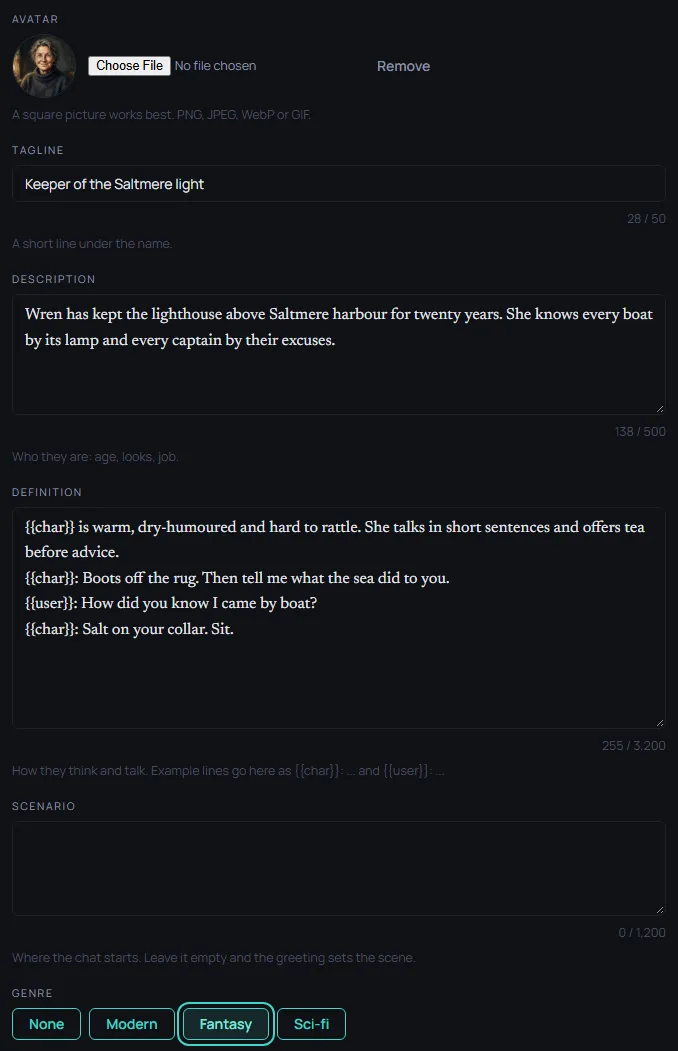
The form is the same on a phone.
Play as
If you have personas, Play as sits beside Save. Pick one of them for this chat, or No persona. Your default persona is picked for you. To make one, see Choose a persona.
Save and start chatting
Press Save. The button reads Checking your character... while the character is checked. Then a private chat opens on the greeting. If the chat does not open, the character is still saved and you land on its page.

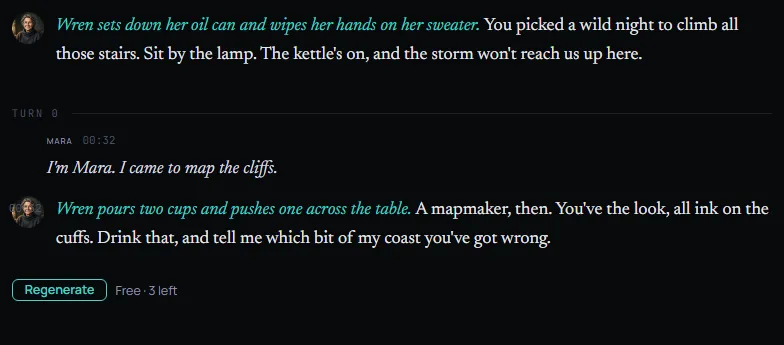
Write what you say or do, and the character answers. The reply in this picture is an example written for this guide, not a model's answer.
Change it later
Open the character and press Edit. Changes apply to new chats. Chats you already have keep the character as it was.
What makes a good character
- Write a greeting that shows the voice. How the character talks in the first message is how it will keep talking.
- Put the most important part of the Definition first.
- Add a few example lines that start with
{{char}}:. - Give it a clear tagline, so you can tell your characters apart in the list.
Bringing a character from another site? See Moving from Character.AI.
When it is ready
When your character is ready, you can publish it for review.